RCS Campaign Management
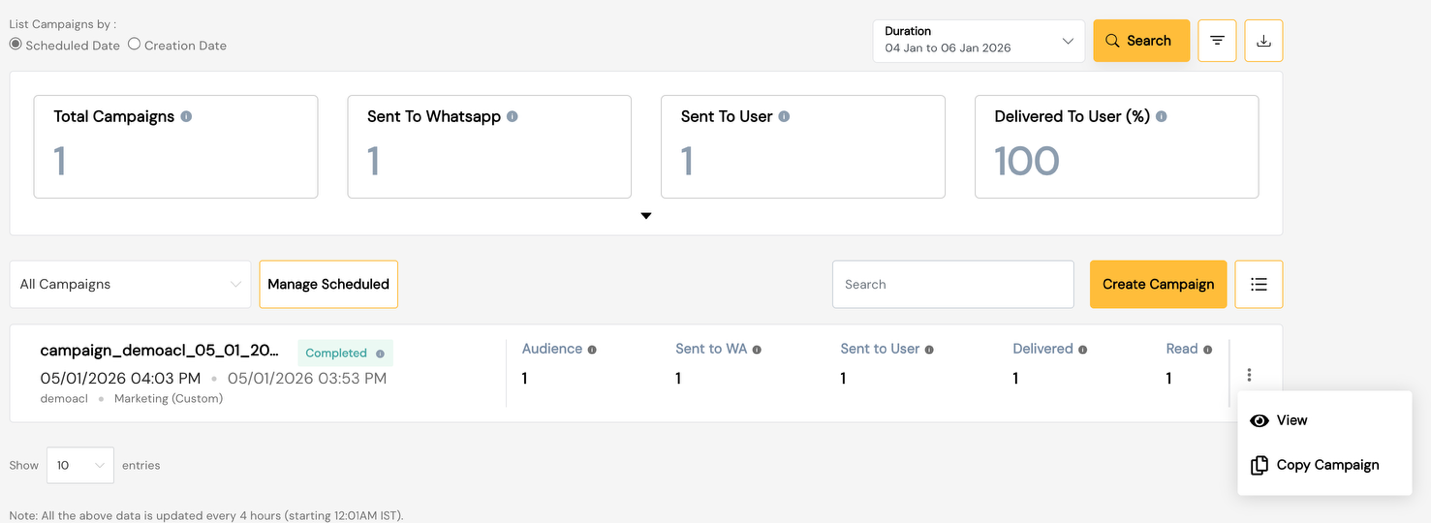
The Campaign Management module for RCS enables enterprises to create, schedule, execute, and monitor RCS campaigns at scale through a guided interface.
Key Capabilities:
- Bulk Campaign Execution — Target large audiences with RCS rich messages
- Personalized Messaging — Dynamic variables mapped from audience data
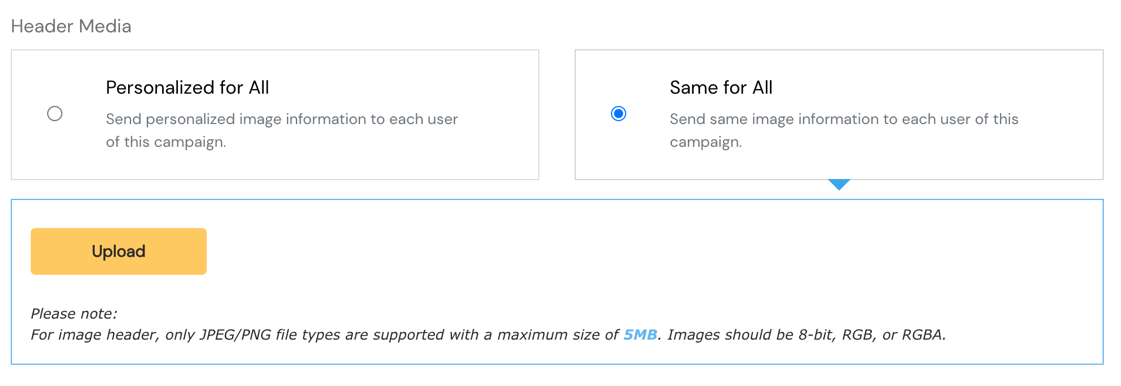
- Rich Media Campaigns — Send image/video-rich cards and carousels
- Campaign Analytics — Track delivery and engagement metrics
- Flexible Scheduling — Send Now or Send Later
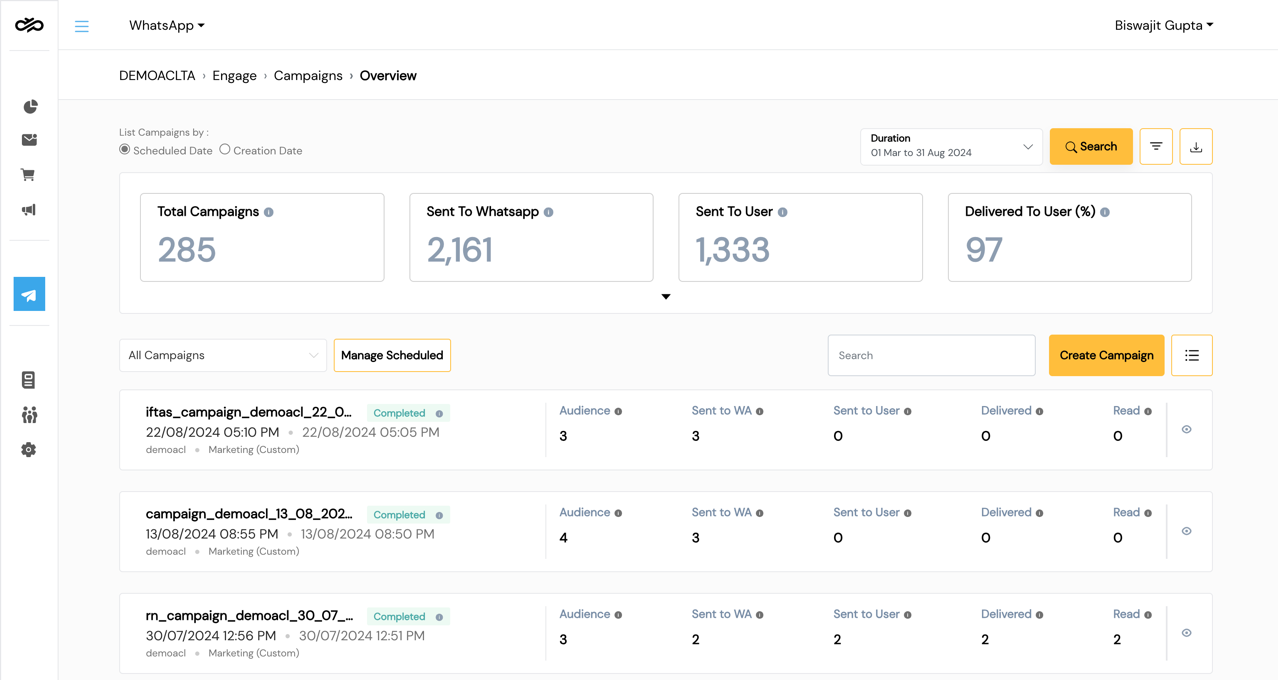
Campaigns Dashboard
| Field | Description |
|---|---|
| Campaign Name | User-defined campaign identifier |
| Template Name | RCS template used |
| Status | Draft / Scheduled / Running / Completed / Paused |
| Sent | Messages dispatched |
| Delivered | Messages successfully delivered |
| Read | Messages opened by recipients |
| Scheduled At | Execution date and time |
| Actions | View / Copy / Pause / Stop |
Create Campaign
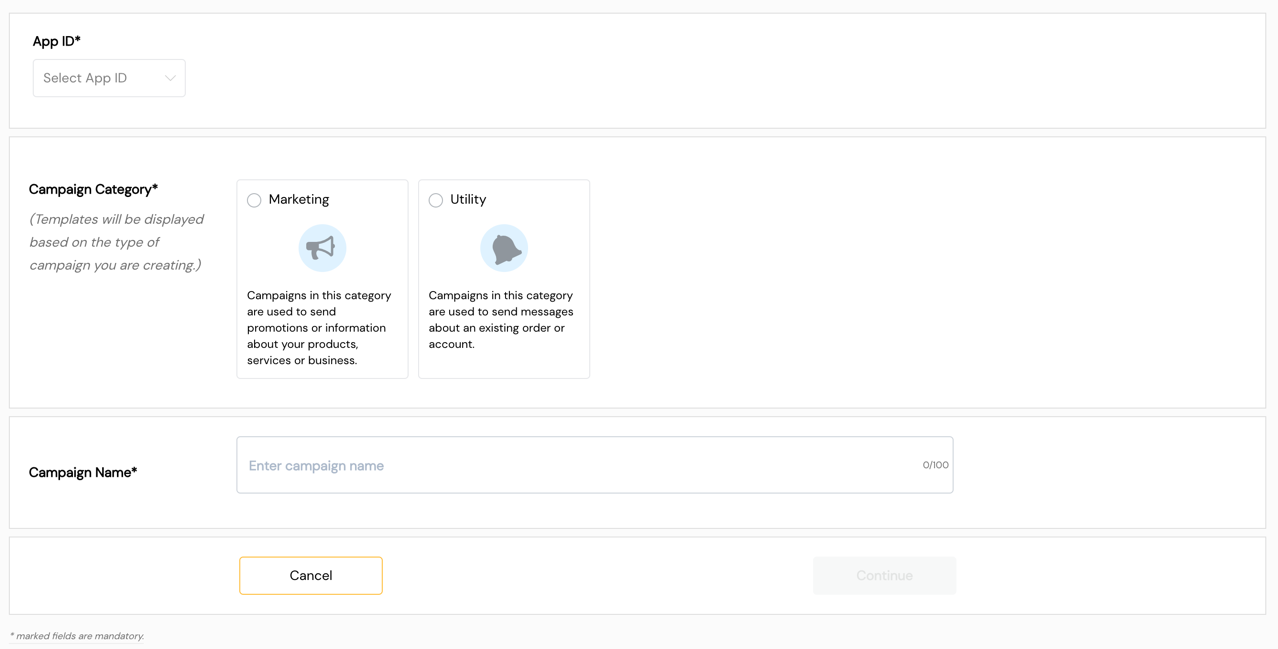
Step 1 — Campaign Details
| Field | Description |
|---|---|
| Campaign Name | Unique name for the campaign |
| Description | Optional campaign notes |
| Tags | Classification tags |
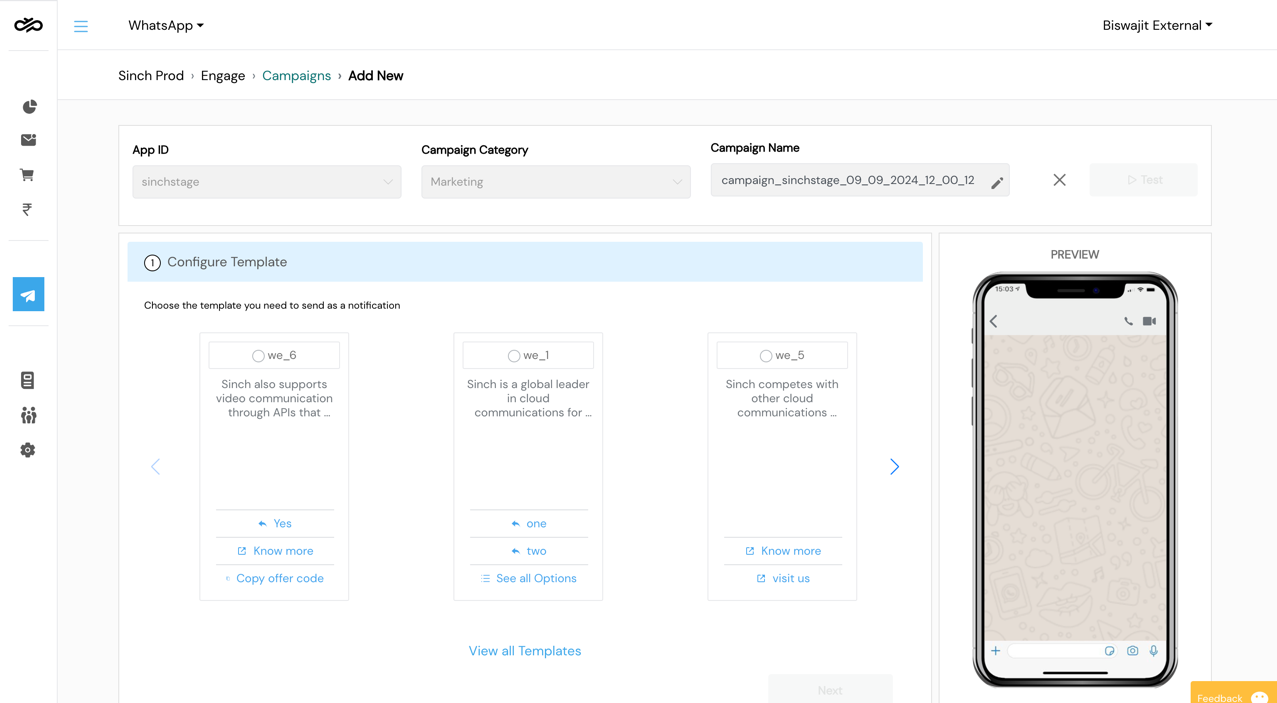
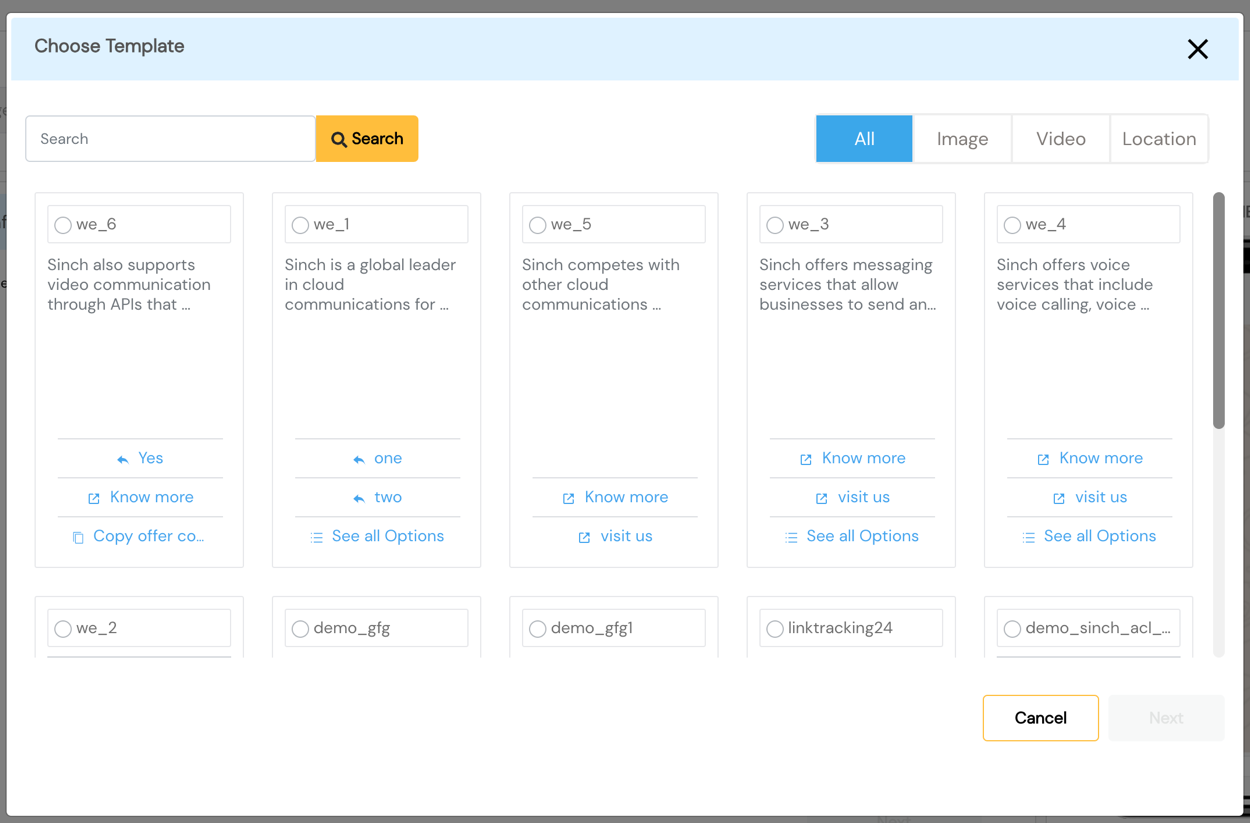
Step 2 — Select Template
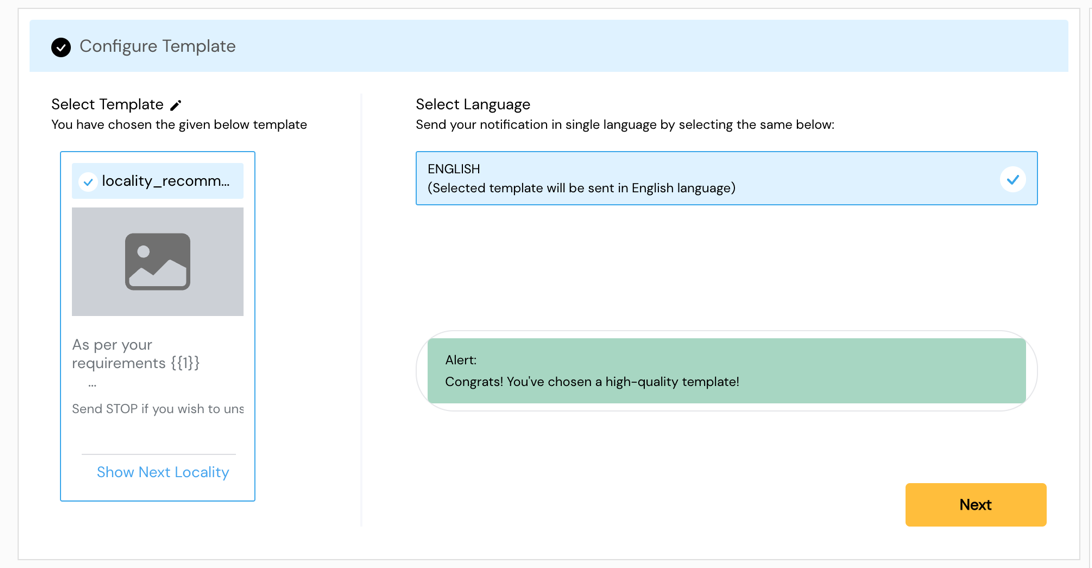
Select an Active RCS template.
Template Type:
- Text — Simple text with optional suggested actions
- Rich Card — Single card with media, title, description, and actions
- Carousel — Multi-card scrollable format
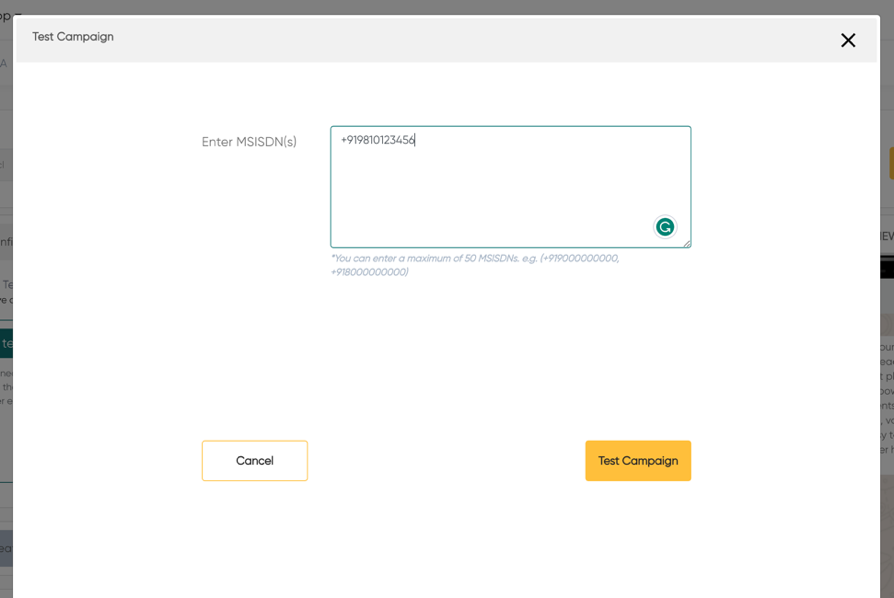
Step 3 — Test Campaign
Send to up to 5 test numbers to verify:
- Template rendering on RCS-capable devices
- Variable substitution accuracy
- Media loading
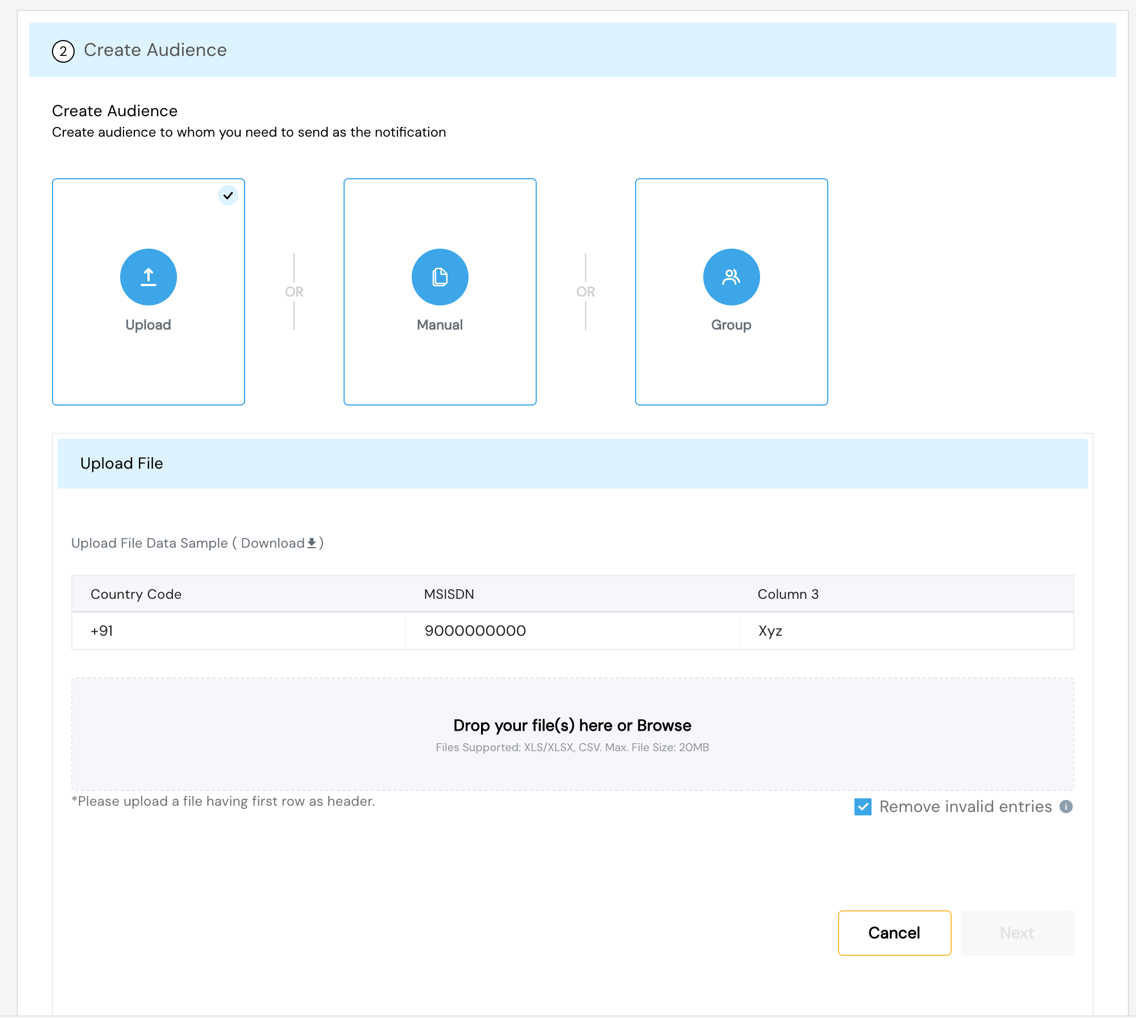
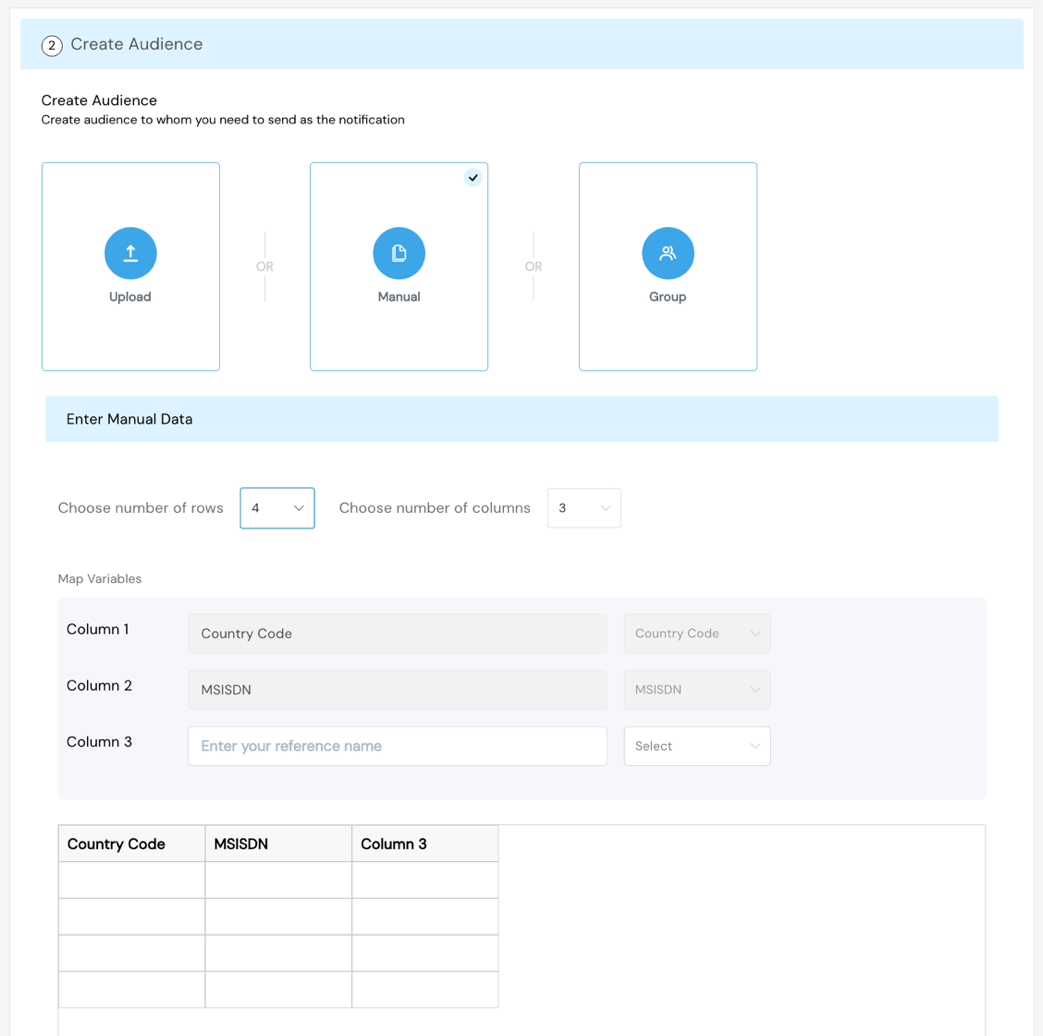
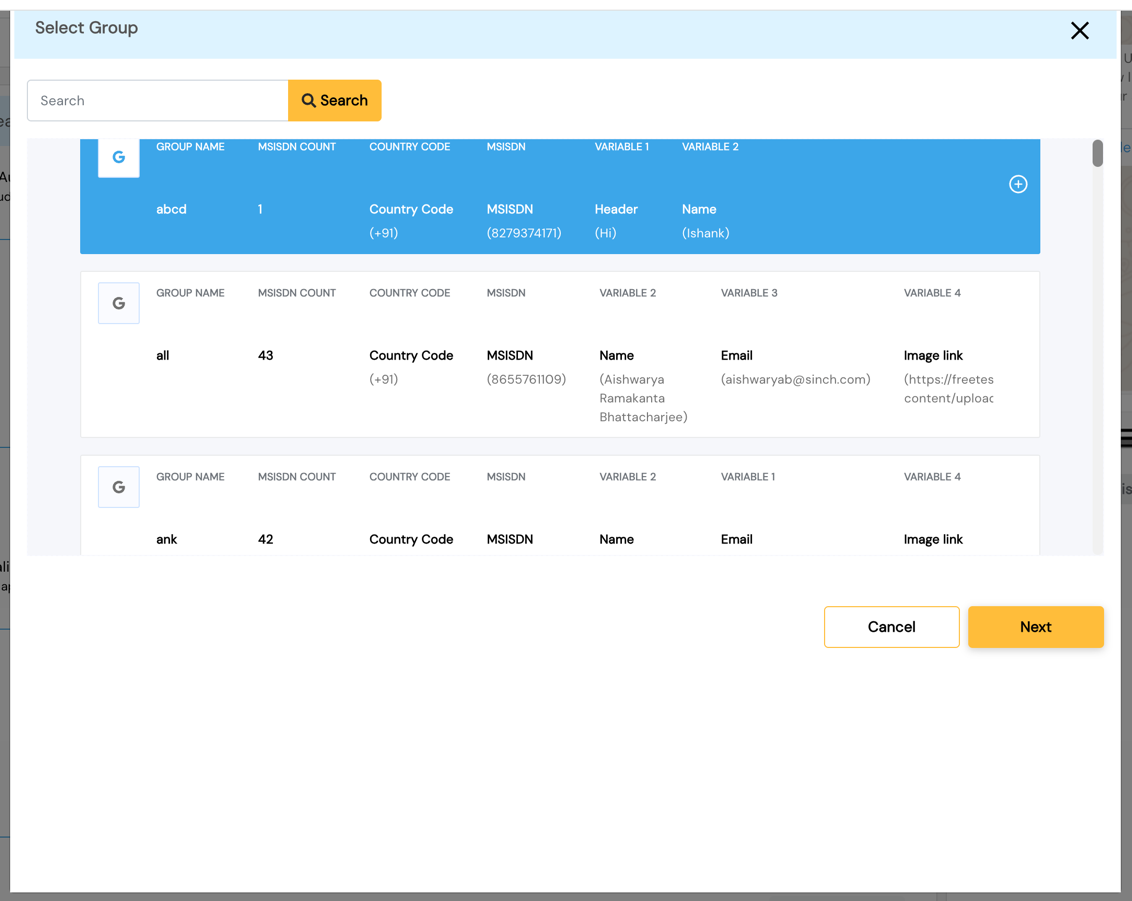
Step 4 — Create Audience
Audience Creation Methods:
| Method | Description |
|---|---|
| Select Group | Use a pre-created group from Group Management |
| Upload File | Upload a new CSV/Excel file (max 20 MB) |
| Manual Entry | Enter up to 100 contacts manually |
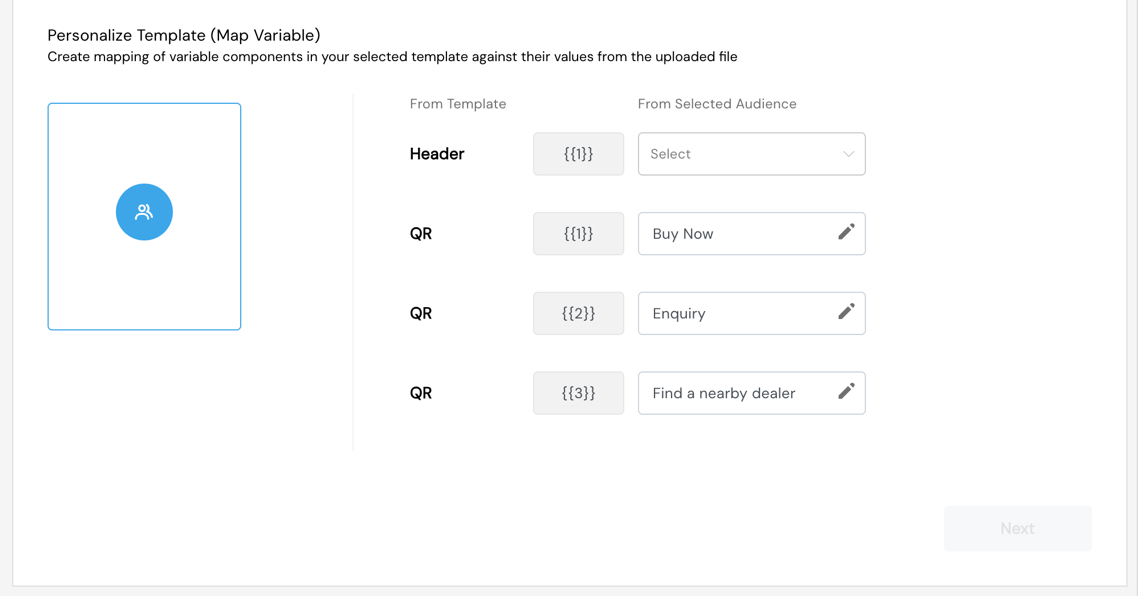
Step 5 — Map Variables
Map dynamic placeholders in the template to audience data columns:
- All variables must be mapped before proceeding
- Auto-detection matches column headers to variable names
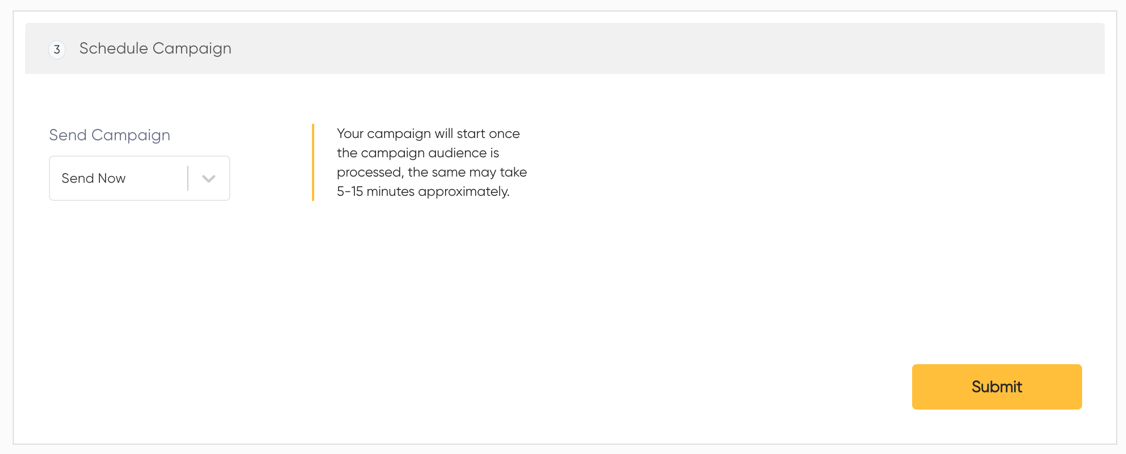
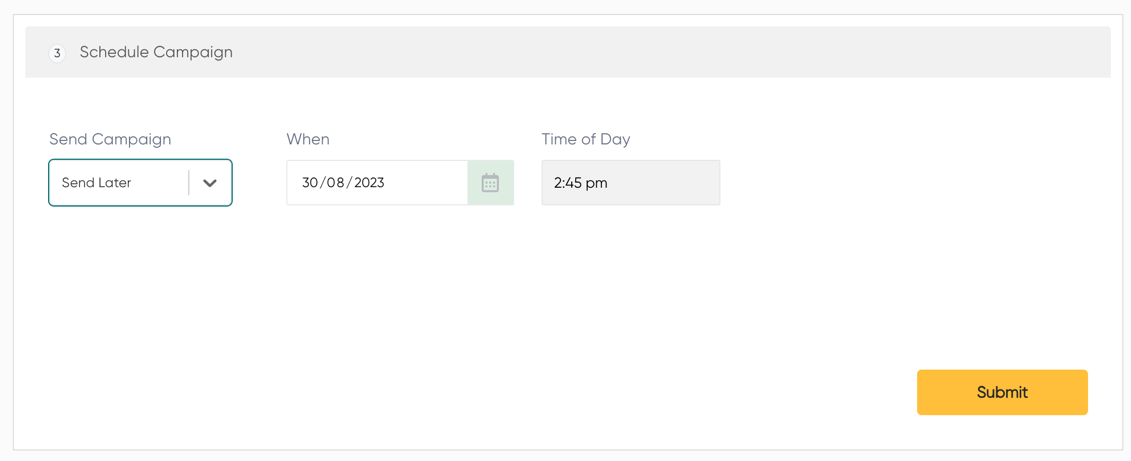
Step 6 — Schedule Campaign
Send Now: Campaign dispatched immediately upon confirmation.
Send Later: Select a future date and time for scheduled dispatch.
Manage Campaign
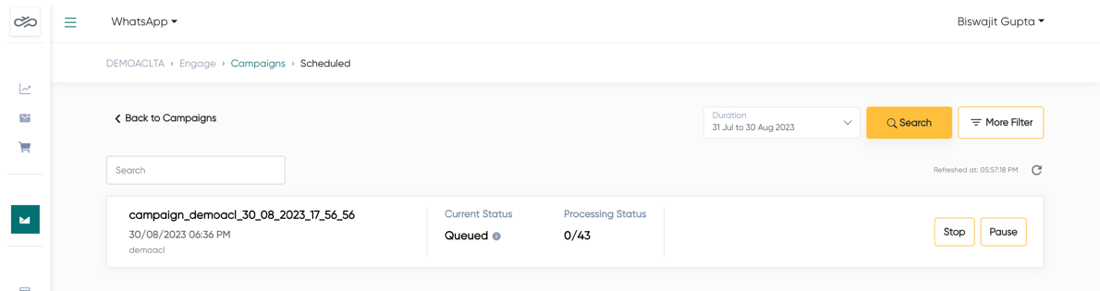
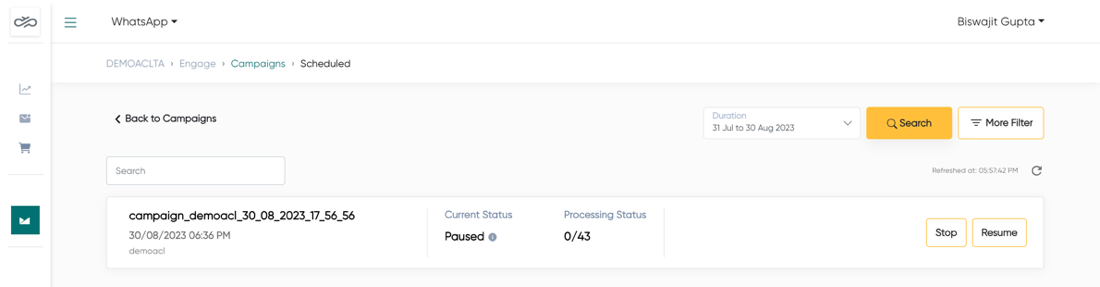
| Action | Description | Available When |
|---|---|---|
| Pause | Temporarily halts a running campaign | Status: Running |
| Resume | Restarts a paused campaign | Status: Paused |
| Stop | Permanently stops a campaign | Running / Paused / Scheduled |
| Copy | Duplicates campaign configuration | Any status |
Discard Campaign
Campaigns in Draft status can be discarded without sending. Discarded campaigns are permanently removed from the system.
Screenshots
Campaigns Dashboard
Campaign Details
Template Selection
Template Quality Alert
Test Campaign
Audience Creation
Media Handling
Variable Mapping
Schedule Campaign
Manage Campaign
Copy Campaign